
Menu

  • Home
  • Dashboard
  • Surveys & Offers
  • Tasks
  • Advertise
  • Affiliate
  • Level & Bonus
  • Support

Follow Us

ADVERTISEMENT
📣 Tasks & Advertise System is Now Live on SINHMMO
×
SinhMMO – Earn money from surveys and offer walls
  • Help
    • About Us
    • FAQ
    • Payout & Rewards Policy
    • Privacy Policy
    • Terms of Service
  • Blog
    • Guides
    • Advertising
  • en English
    • en English
    • vi Vietnamese
No Result
View All Result
Subscribe
🔓 Login 👤 Register
SinhMMO – Earn money from surveys and offer walls
No Result
View All Result
Home Make Money Online
How to Monetize on Facebook

How to Monetize on Facebook in 2025

Learn step-by-step how to monetize on Facebook in 2025, from Reels and in-stream ads to brand partnerships and affiliate marketing.

0
1
SHARES

Facebook is no longer just a platform for connecting with friends or sharing photos. In 2025, it has become one of the most powerful platforms for creators to earn money online. With billions of users worldwide, Facebook offers multiple monetization options that can turn your content into a reliable income stream—whether you are a video creator, influencer, or business owner.

In this guide, I’ll walk you step by step through the process of enabling monetization on Facebook, the eligibility requirements, payment setup, and practical tips to maximize your earnings.

So even if you are new to Facebook monetization, you’ll be able to follow along and get started.
Facebook Monetization


Table of Contents Hide
1 Step 1: Enable Professional Mode
2 Step 2: Check Monetization Eligibility
2.1 Basic requirements include:
3 Step 3: Apply for Monetization
4 Step 4: Set Up Payment Method
4.1 Payment Setup Requirements:
5 Step 5: Receive Your Earnings
6 Payment Methods by Country
6.1 🇺🇸 United States
6.2 🇰🇷 South Korea
6.3 🇻🇳 Vietnam
6.4 🌍 Global (Other Countries)
7 Things to Know About Facebook Monetization
8 Tips to Increase Your Facebook Earnings
9 Common Problems and Solutions
10 Final Thoughts

Step 1: Enable Professional Mode

The very first step to earning money on Facebook is turning on Professional Mode for your personal profile. This unlocks access to insights, creator tools, and eventually monetization features.

How to activate Professional Mode:

  1. Go to your personal Facebook profile.
  2. Tap the three dots (…) under your profile picture.
  3. Select “Turn on Professional Mode”.
  4. Confirm by clicking “Turn On”.

Once activated, you’ll gain access to:

  • Analytics/Insights: Track performance such as views, followers, and engagement.
  • Monetization Tab: This will appear when you meet eligibility requirements.

⚠️ Note: Some accounts may not see the option to enable Professional Mode if they have low engagement or past policy violations.
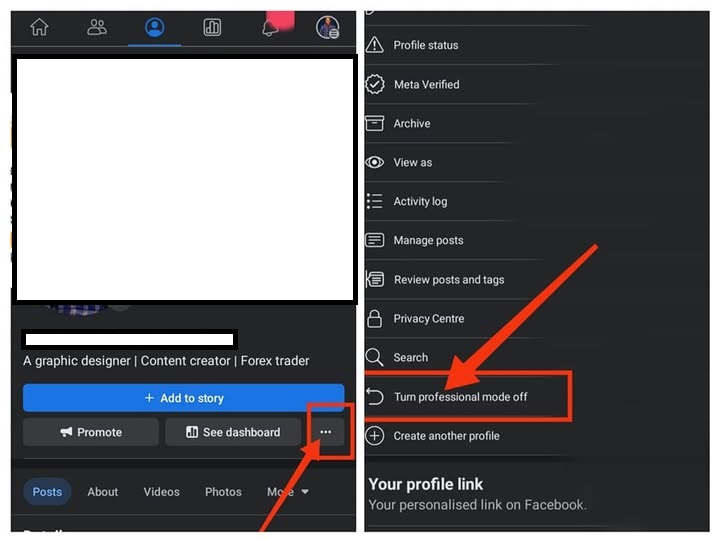
Screenshot of the “Turn on Professional Mode” option on Facebook

Step 2: Check Monetization Eligibility

After enabling Professional Mode, you need to verify whether your account meets Facebook’s monetization standards.

To do this:

  • Go to your Professional Dashboard.
  • Look for the Monetization section to see your eligibility status.

Basic requirements include:

  • 10,000+ followers.
  • 60,000 minutes of video watch time in the last 60 days.
  • Content compliance: Your posts must follow Facebook’s Community Standards and copyright rules.
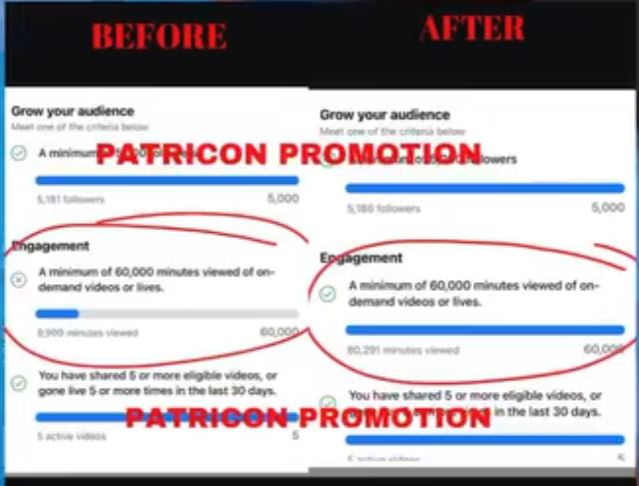
Monetization section to see your eligibility status

Step 3: Apply for Monetization

Once eligible, Facebook will give you the option to apply for monetization.

Here’s how the process works:

  1. Go to your Monetization tab in the Professional Dashboard.
  2. Click Apply or Set Up.
  3. Complete the following steps:
    • Identity Verification: Upload a valid ID (Passport, National ID, or Driver’s License).
    • Agree to Facebook’s Monetization Terms and Conditions.

Step 4: Set Up Payment Method

This step is crucial—if you don’t set up payment correctly, Facebook cannot send you your earnings.

Payment Setup Requirements:

  1. Personal Information:
    • Full legal name
    • Date of birth
    • Current address
  2. Tax Information:
    • Vietnam: Personal Tax ID
    • United States:
      • Social Security Number (SSN) if you are a U.S. citizen.
      • If you don’t have an SSN, apply for an ITIN (Individual Taxpayer Identification Number) using IRS Form W-7.
    • South Korea: 주민등록번호 (RRN), business tax number, or Alien Registration Number.
    • Other countries: Check your local tax authority requirements.
  3. Bank Account Details:
    • Bank name
    • SWIFT code (for international transfers)
    • Account number and routing number (for U.S. banks)

💡 Pro Tip: Make sure your Facebook name, tax documents, and bank account name match exactly. Otherwise, payments may fail.
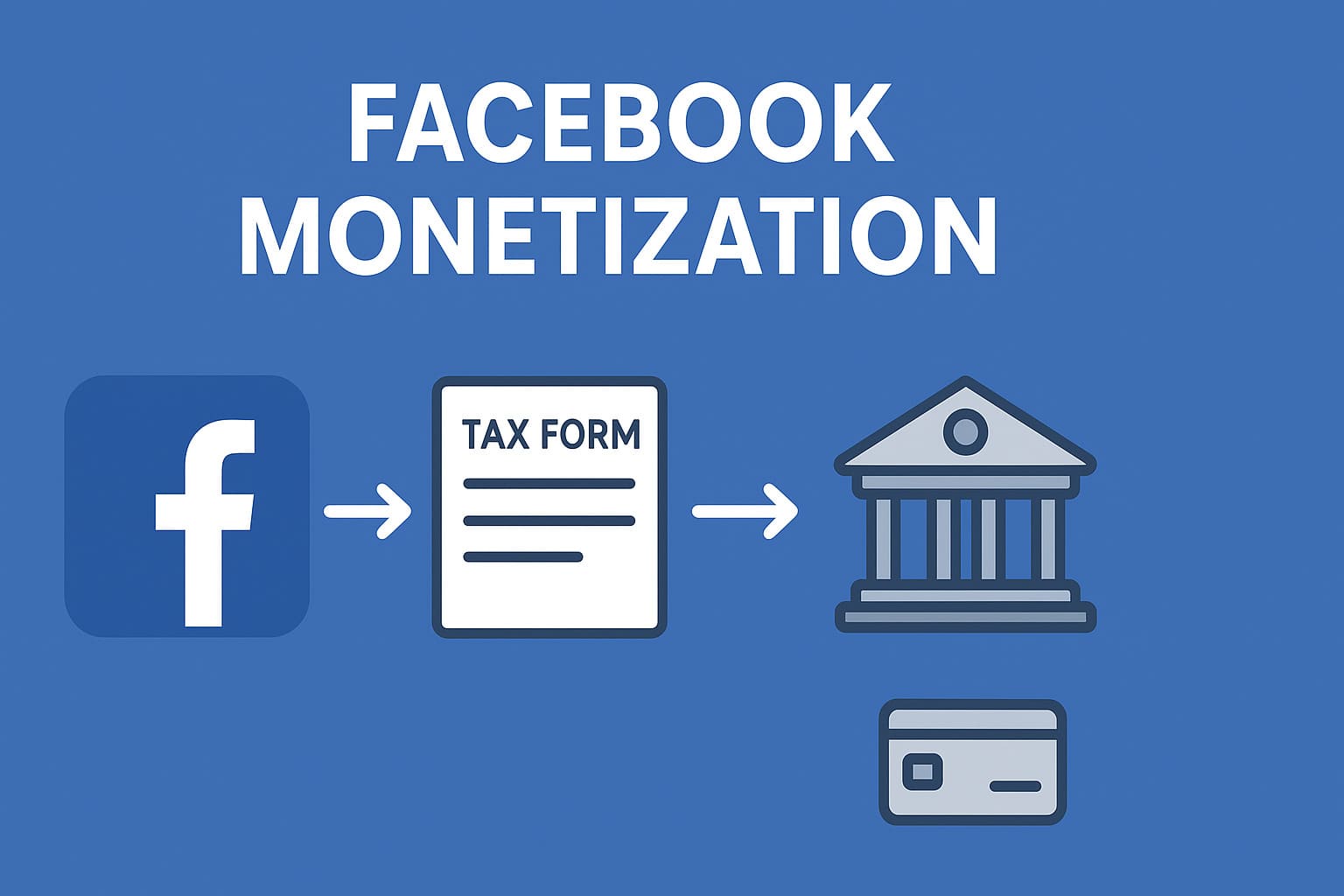
Set Up Payment Method


Step 5: Receive Your Earnings

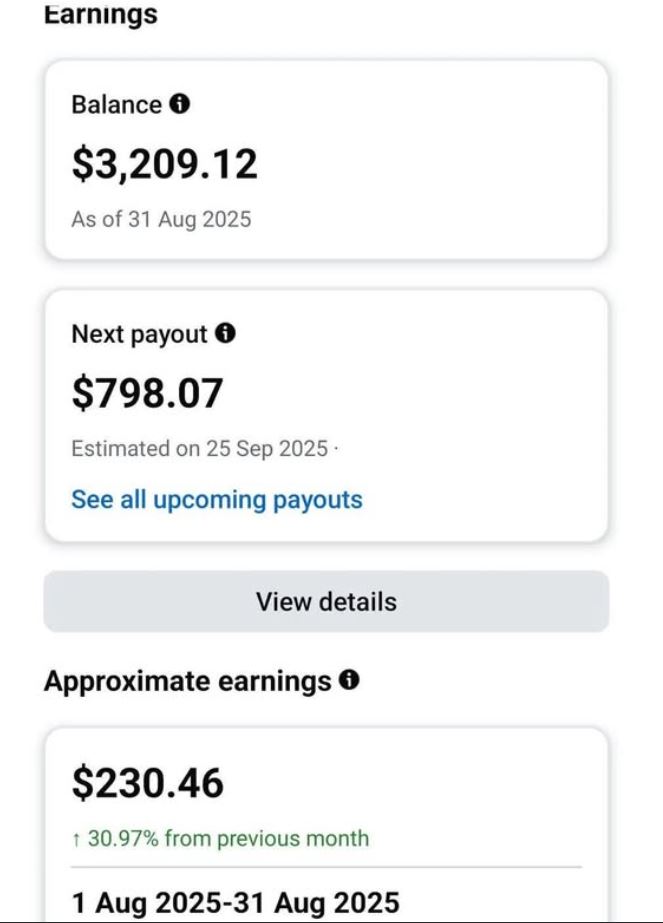
Facebook processes and sends payments every month, usually between the 21st–22nd.

  • If you chose a bank account, money is transferred directly.
  • If you selected PayPal, funds are sent to your verified PayPal email.

💡 Important: If tax details are missing or incorrect, Facebook will withhold payments.


Payment Methods by Country

🇺🇸 United States

  • Requires SSN or ITIN.
  • Must connect a U.S. bank account (Routing Number + Account Number).

🇰🇷 South Korea

  • Requires personal or business tax number.
  • Must add Korean bank account with SWIFT code.

🇻🇳 Vietnam

  • Must have Personal Tax ID.
  • Bank account in Vietnam with SWIFT code is required.

🌍 Global (Other Countries)

  • In some regions, Facebook supports PayPal payments.
  • The PayPal account must be verified and match your legal name.
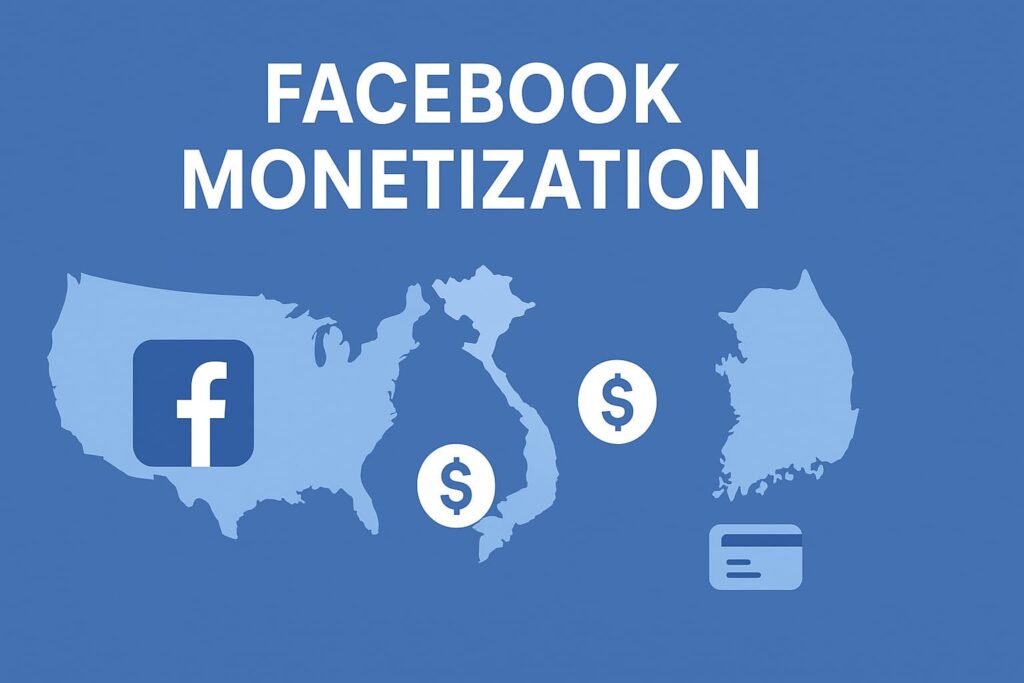
Payment Methods by Country


Things to Know About Facebook Monetization

Many creators think that views or likes directly equal money. That’s not always true. Here are some real-world insights:

  • A video with 1 million views might earn nothing if ads aren’t shown.
  • A short story or reel with fewer views may still generate income.
  • Sometimes, even a photo post with thousands of impressions can earn money.

The key is whether Facebook decides to place ads on your content.


Tips to Increase Your Facebook Earnings

  1. Post consistently – Create content daily or weekly.
  2. Focus on engagement – Comments and shares matter more than likes.
  3. Avoid copyright issues – Use original content only.
  4. Use multiple formats – Try reels, stories, live streams, and images.
  5. Target international audiences – Ads pay more in U.S., Canada, and Europe compared to other regions.
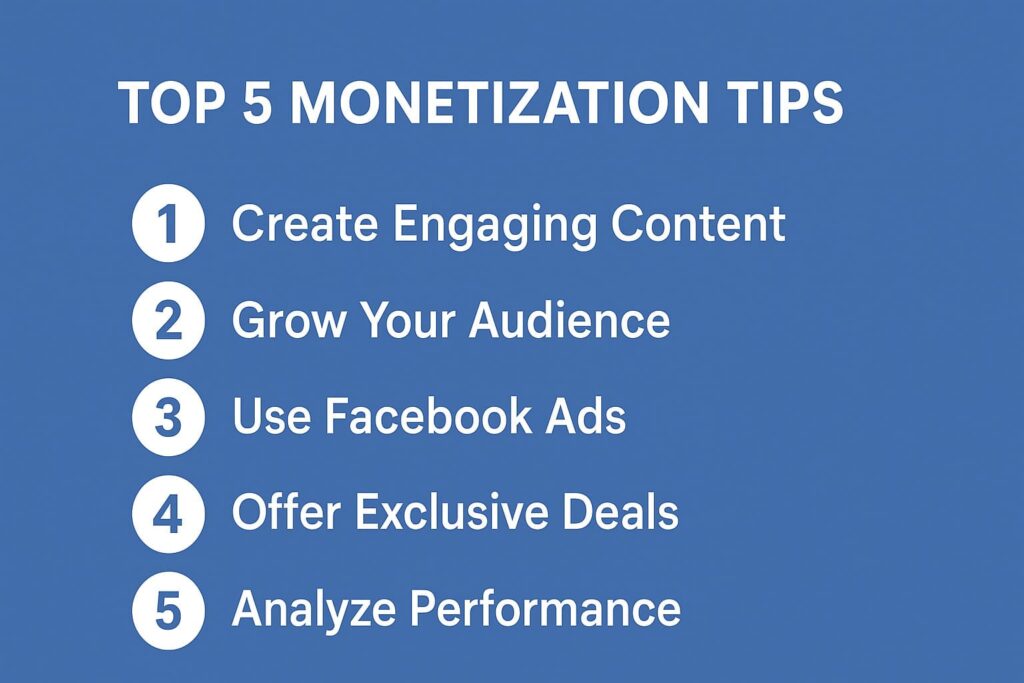
Tips to Increase Your Facebook Earnings


Common Problems and Solutions

  • Problem: “My account is eligible but I can’t apply.”
    • Solution: Check for past policy violations and wait until Facebook unlocks monetization.
  • Problem: “I submitted tax info but payments failed.”
    • Solution: Ensure your bank account name matches exactly with your Facebook profile.
  • Problem: “I don’t have SSN or Tax ID.”
    • Solution: Apply for ITIN (U.S.) or register for a Personal Tax ID in your country.

Final Thoughts

Earning money from Facebook in 2025 is a real opportunity if you follow the right steps. To summarize:

  1. Enable Professional Mode.
  2. Meet monetization requirements.
  3. Apply and verify your account.
  4. Set up tax and payment details.
  5. Create consistent, high-quality, policy-compliant content.

Once you’ve set everything up, payments will flow automatically into your bank account or PayPal each month.

🚀 Start creating valuable content today, and you could turn Facebook into your next source of passive income.

1
SHARES
Disclaimer: This article is for informational purposes only and does not constitute financial advice. Always conduct your own research before making any financial decisions. Past results mentioned in this article do not guarantee future outcomes.

Stay ahead with trusted online income insights — follow us for proven strategies that work.

Learn to earn more, save smarter & live freer

Get weekly MMO tips, tools & opportunities — straight to your inbox.

Join 140,000+ smart earners. Privacy-friendly. Unsubscribe anytime.

0 0 votes
Article Rating
Subscribe
Login
Notify of
Please login to comment
0 Comments
Oldest
Newest Most Voted
Inline Feedbacks
View all comments
SinhMMO - Trusted Guide to Making Money Online

Join 10,000 + readers making money online!

LEARN HOW TO MAKE MONEY ONLINE THE SMART & EFFECTIVE WAY

📩 No spam – important updates only, sent 1–2 times per week. Unsubscribe anytime

  • Privacy Policy
  • Terms of Service
  • Cookie Policy
  • FAQ
  • Make Money Online
  • Earn Passive Income
  • Affiliate Marketing
  • Money Making Apps
  • Disclaimer
  • About Us
  • Contact Us
  • Sitemap
Disclaimer: All content on SinhMMO.com is for informational purposes only and does not constitute financial or investment advice. Users are solely responsible for their decisions. Please read our full Disclaimer.

© 2025 Sinh MMO – All rights reserved.

Welcome Back!

Login to your account below

Forgotten Password? Sign Up

Create New Account!

Fill the forms below to register

All fields are required. Log In

Retrieve your password

Please enter your username or email address to reset your password.

Log In

Add New Playlist

Loading...
Feedback
✖

🗣 Feedback Community

🔒 Please login to send feedback.

Muhammad Asif +437 point
Good website
Han Tran +5902 point
Good website
anh duy +18246 point
verry good
Hoa Nguyen Thi +8859 point
tuyệt vời
Tran Cong +8115 point
ở phần Login Bonus Mission không thấy hoạt động. Mặc dù mỗi ngày đều vào web để làm nhiệm vụ nhưng phần Login Bonus Mission báo mới login 1 ngày. Trông khi có để là tự động mỗi khi login "Log in every day to get points automatically!"
🛠 Admin: Thank you for your feedback, We will check and test again for the most accurate results.
See more...
Manage Consent

We use cookies to optimize your experience. You can accept or decline

Functional Always active
The technical storage or access is strictly necessary for the legitimate purpose of enabling the use of a specific service explicitly requested by the subscriber or user, or for the sole purpose of carrying out the transmission of a communication over an electronic communications network.
Preferences
The technical storage or access is necessary for the legitimate purpose of storing preferences that are not requested by the subscriber or user.
Statistics
The technical storage or access that is used exclusively for statistical purposes. The technical storage or access that is used exclusively for anonymous statistical purposes. Without a subpoena, voluntary compliance on the part of your Internet Service Provider, or additional records from a third party, information stored or retrieved for this purpose alone cannot usually be used to identify you.
Marketing
The technical storage or access is required to create user profiles to send advertising, or to track the user on a website or across several websites for similar marketing purposes.
  • Manage options
  • Manage services
  • Manage {vendor_count} vendors
  • Read more about these purposes
More
  • {title}
  • {title}
  • {title}
No Result
View All Result
  • Home
  • Dashboard
  • Surveys & Offers
  • Tasks
  • Advertise
  • Affiliate
  • Level & Bonus
  • Support
  • 🔓 Login 👤 Register
  • en English vi Vietnamese

© 2025 SINHMMO - Earn money from surveys & Offers Walls SINHMMO.

Are you sure want to unlock this post?
Unlock left : 0
Are you sure want to cancel subscription?
wpDiscuz

Your Membership Levels

Learn to earn more, save smarter & live freer

Get weekly MMO tips, tools & opportunities — straight to your inbox.

Join 140,000+ smart earners. Privacy-friendly. Unsubscribe anytime.

Insert/edit link

Enter the destination URL

Or link to existing content

    No search term specified. Showing recent items. Search or use up and down arrow keys to select an item.